
Teacher resources, right where you teach

If you've ever planned a lesson in Mathspace and found yourself clicking around trying to track down the matching lesson plan, slides, or worksheet — we heard you. A lot. Today we're rolling out a small change that makes a big difference to your prep workflow.
Teacher resources are now available at the subtopic level.
Up until now, the offline teacher materials lived one level up, bundled together for the whole topic. If you were working in 1.01 Algebraic expressions and wanted the matching guided notes, you had to leave where you were, open the topic-wide resources folder, and sift through every subtopic's materials to find the right ones. It worked, but it wasn't fast, and it definitely wasn't obvious.
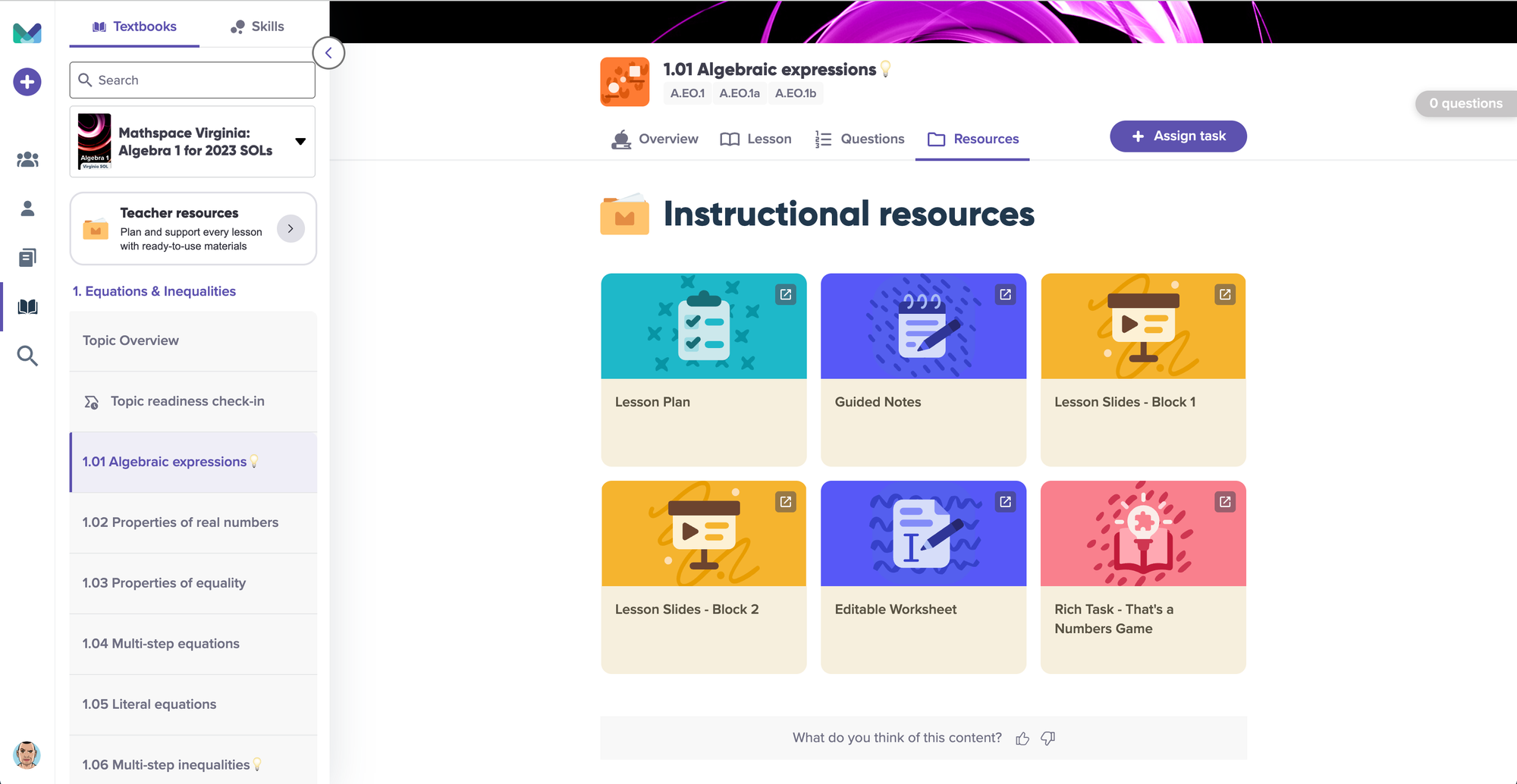
Now, when you're inside any subtopic, you'll see a Resources tab sitting right alongside Overview, Lesson, and Questions. Click it, and you get exactly what you need for the subtopic you're already looking at — the Lesson Plan, Guided Notes, Lesson Slides, the Editable Worksheets, and any Rich Tasks tied to that lesson. No digging, no clicking back and forth, no second-guessing whether you've grabbed the right file.
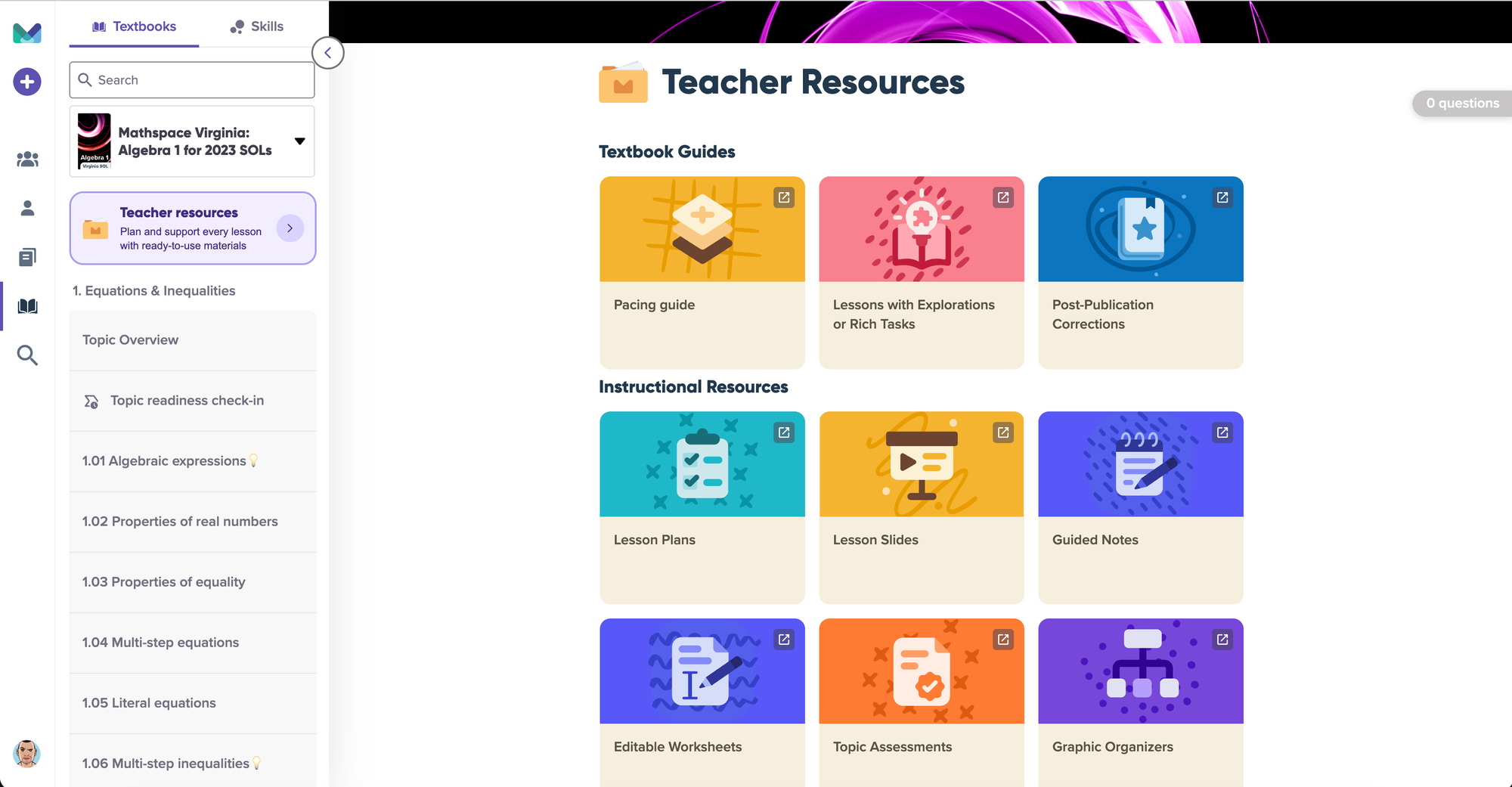
You can still get the full picture from the Teacher Resources hub at the topic level — Pacing Guide, Lessons with Explorations or Rich Tasks, Post-Publication Corrections, and the complete instructional library are all still there when you want to plan further out. But for the day-to-day, "I'm prepping tomorrow's lesson right now" moment, everything you need is one tab away.
This was one of the most-requested changes from teachers, and we're really glad to be shipping it. As always, if there's something you'd love to see next, let us know.
Happy planning.